Best Process Mapping Software Free Online: Compare Top Tools & Tips
Introduction
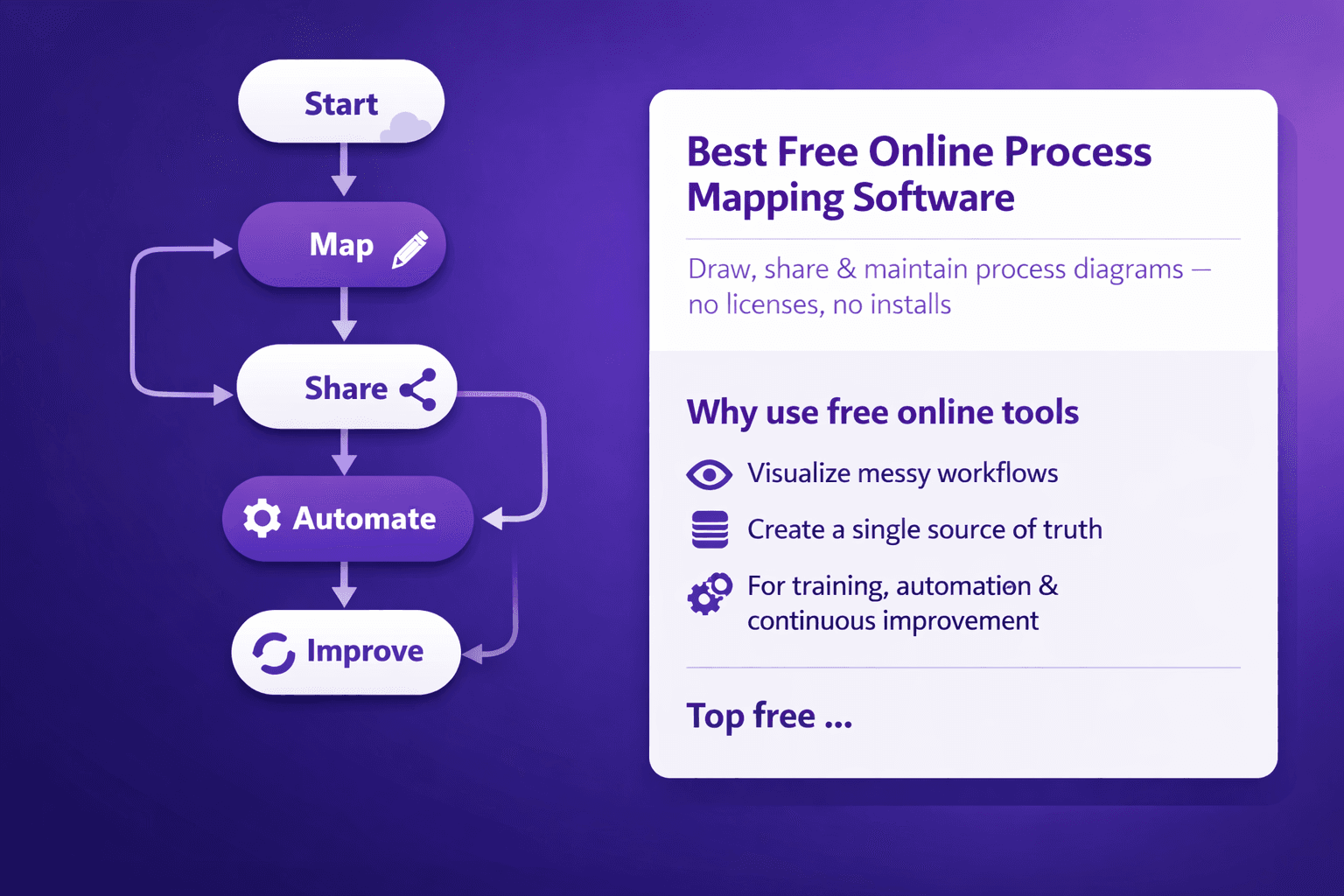
process mapping software free online are cloud tools you can use to draw, share, and maintain visual process diagrams without buying expensive licenses or installing heavy desktop apps. For analysts, operations managers, consultants and automation teams, these diagrams do two jobs: they make messy, tacit workflows visible, and they create the single source of truth you need for training, automation and continuous improvement.
This article will give you:
- A straight-up look at why free online tools are useful (and where they fall short)
- The evaluation checklist I use when shortlisting tools
- Side‑by‑side comparisons of the best free online options
- A decision matrix and pilot checklist you can copy
- Practical tricks to overcome free-tier limits (including a small script example)
- A short case study mapping an order-to-cash process with a free tool
If you’re trying to decide between diagrams.net, Lucidchart, Miro, Whimsical, Bizagi Modeler and a couple of others, you’ll get real trade-offs, not marketing fluff.
Why Use Free online process mapping software
Benefits: rapid prototyping, low cost, easy collaboration and remote access
Free tools let you do fast experiments. Want to mock-up a 6-step approval flow? Do it in 10 minutes. Need to show stakeholders how a handoff works between sales and finance? Create a shareable link and get comments in hours.
Concrete benefits:
- Speed: Most free tools have drag-and-drop editors and BPMN or flowchart shapes ready to go. That cuts mapping time by 40–70% versus whiteboard-and-photos.
- Cost: Zero upfront licensing for small teams. Miro’s free plan, diagrams.net (draw.io) being free forever, Whimsical with limited boards — all save money during discovery.
- Collaboration: Real-time editing and comments let remote teams co-edit, annotate and agree without endless email threads.
- Accessibility: Web-based means no installs and you can open diagrams on a Chromebook, a Windows laptop, or Mac.
I use a fast loop: prototype in diagrams.net or Whimsical, validate with users, then rebuild a polished version in Lucidchart or a knowledge base like Lyren AI for documentation and automation. That combo gives speed and structure.
Limitations of free tiers: feature caps, export restrictions, security and SLA concerns
Free doesn't mean feature-complete. Expect limits:
- Diagram or board caps (e.g., Miro: 3 boards on free)
- Export limitations (watermarks, limited formats, lower res)
- Feature gaps (no BPMN engine, limited shape libraries, no version history)
- Collaboration limits (guest permissions, viewer-only sharing)
- Security and compliance: SSO, encryption at rest, data residency often missing
- No SLA: uptime and support are often best-effort
If you’re mapping processes tied to PII, regulated processes, or RPA that requires API access, free plans can be a blocker.
When a free online tool is sufficient vs when to upgrade
Use free online tools when:
- You're prototyping, training, or documenting internal SOPs with low risk.
- Teams need fast collaboration and low overhead.
- You want to create diagrams that are consumed as images or PDFs for presentations.
Upgrade if:
- You need BPMN 2.0 with execution capability (Camunda or Bizagi paid tiers).
- You need enterprise-grade security, SSO, audit logs, or data residency.
- You plan to integrate diagrams into automation pipelines or enterprise knowledge platforms with APIs.
- You require versioning and role-based folder controls at scale.
As a rule of thumb: for discovery and documentation pilots, free is great. For enterprise-wide, auditable process automation, budget for paid or on-premise.
Key Evaluation Criteria for Free Online Tools
Here’s the checklist I use before putting a tool on the shortlist.
Usability and template library
- Drag-and-drop editor speed: how quickly can non-technical users build a 10-step flow?
- BPMN support: do they provide BPMN 2.0 shapes or only basic flowchart shapes? Tools like Bizagi Modeler and Camunda Modeler focus on BPMN.
- Prebuilt templates: procurement, onboarding, order-to-cash, swimlanes, SIPOC.
- Custom shapes and stencils: can you upload your own icons or shape libraries?
Example: Lucidchart includes templates for SIPOC and swimlanes; diagrams.net gives infinite customizability but less polish.
Collaboration and sharing
- Real-time co-editing and comments: do multiple people edit at once?
- Permissions: viewer vs editor vs admin; can you restrict sharing links?
- Versioning and recovery: rollback diagram history?
- Collaboration artifacts: comments, mentions, and in-diagram annotations.
Miro and Lucidchart have strong real-time collaboration. Diagrams.net saves to Google Drive/OneDrive which gives version history via the storage provider.
Export, integration and automation
- Export formats: PNG, SVG, PDF, CSV, Visio (.vsdx)
- API: can you programmatically export or fetch diagrams?
- Connectors: integrations with Slack, Google Drive, Confluence, Jira, Microsoft Teams
- Automation hooks: can you feed diagrams into RPA tools, low-code platforms, or knowledge bases?
If you plan to automate from diagrams (generate a CSV of steps to feed into RPA), verify API or export capabilities. Lyren AI, for instance, takes screen recordings and auto-generates flow diagrams and structured steps—handy when you want documentation + diagrams from video.
Security and compliance
- Data residency: does the service let you choose where data is stored?
- Encryption at rest and in transit
- SSO and provisioning: SAML, Okta, Azure AD
- Audit logs and admin controls
Free tiers usually don't include SSO. If you need SSO, budget for paid.
Cost limits and upgrade paths
- User limits and editor seats
- Diagram and object counts
- Watermarking or export branding
- Pricing for seats beyond free tier and cost per user
Check whether the platform offers a smooth upgrade path. Upgrading a single team is easier with per-user pricing like Lucidchart; enterprise contracts can be painful.
Top Process Mapping Software Free Online (Quick Comparisons)
I'll cover five practical tools that show up in most shortlists. These recommendations reflect real trade-offs between capability, cost, and security.
diagrams.net (draw.io)
Core features:
- Completely free, open source, web and desktop versions.
- Full set of flowchart shapes, BPMN stencils available via libraries.
- Saves to Google Drive, OneDrive, Dropbox, or local disk.
Free tier limits:
- No limits — it’s free forever.
- Collaboration depends on the storage backend (e.g., Google Drive for real-time comments).
Ideal use cases:
- Teams that want no-cost mapping, offline storage, and unlimited diagrams.
- Analysts doing process discovery, internal SOPs, quick exports to PNG/SVG.
Why I like it: No vendor lock-in. You can export to XML or SVG and keep your files.
Common caveat: UX feels utilitarian. No built-in team management or advanced integrations.
Lucidchart (Free tier)
Core features:
- Polished UI, good template library, BPMN stencils.
- Real-time collaborative editing, presentation mode.
Free tier limits:
- Limited number of editable documents (often 3 active documents).
- Limited shapes per document on free plan.
Ideal use cases:
- Small teams who need a nicer editor and presentations for stakeholders.
- Analysts who want to share diagrams in Confluence or Slack.
Why I like it: Clean interface and integrations with G Suite, Slack, Jira.
Common caveat: Free tier gets you started but you'll pay quickly for teams.
Miro (Free tier)
Core features:
- Infinite canvas whiteboard, sticky notes, templates, flowchart shapes.
- Great for workshops, process discovery, and stakeholder mapping.
Free tier limits:
- Three boards per team, limited integrations.
- No advanced export formats for complex BPMN.
Ideal use cases:
- Remote workshops, cross-functional mapping sessions, ideation.
- Hybrid teams running process discovery sprints.
Why I like it: Best for interactive sessions. Use Miro for discovery and move to diagrams.net or Lucidchart for clean deliverables.
Common caveat: Not built for strict BPMN compliance.
Bizagi Modeler (Free desktop)
Core features:
- Focused on BPMN 2.0 compliance; you can model and document processes.
- Exports to Word, image formats, ability to generate documentation.
Free tier limits:
- Desktop-first; not a web collaborative tool.
- No cloud collaboration in the free edition.
Ideal use cases:
- Teams that need BPMN correctness for RPA handoff.
- Process architects who plan automated workflows.
Why I like it: Excellent BPMN support at no cost.
Common caveat: Desktop-only for free. Collaboration workflows require extra steps.
Whimsical
Core features:
- Fast wireframes, flowcharts, sticky note boards; very clean UI.
- Good for simple process flows and decision trees.
Free tier limits:
- Limited number of boards and elements.
- Limited export options on free.
Ideal use cases:
- Product teams and PMs prototyping user flows and SOPs.
- Quick decision trees for stakeholders.
Why I like it: Speed. You can sketch a process in 5–10 minutes.
Common caveat: Not suitable for complex BPMN or enterprise documentation.
How to shortlist 3 finalists for a pilot
- Pick one “pure free” (diagrams.net), one “collaboration” (Miro or Lucidchart), and one “BPMN/compliance” (Bizagi).
- Run a 2-week pilot where each tool maps the same sample process.
- Compare on: time to map, stakeholder feedback, export quality, integration tests.
Shortlist happens fast when you score things against a simple matrix below.
How to Choose the Right Tool for Your Team
Match tool capabilities to role needs
Business Analysts
- Need: BPMN stencils, reusable templates, export to Word/PDF for process docs.
- Good picks: Bizagi Modeler (BPMN), Lucidchart.
Operations Managers
- Need: easy-to-read swimlanes, change control, accessible links.
- Good picks: diagrams.net (cost-free), Lucidchart.
Consultants
- Need: polished deliverables, multiple export formats, white-labeling.
- Good picks: Lucidchart, Miro (for workshops).
Automation/RPA Engineers
- Need: BPMN accuracy, exportable metadata, API access.
- Good picks: Bizagi Modeler, Camunda Modeler, or paid Lucidchart with API.
Knowledge base owners (training, SOPs)
- Need: stable document storage, ability to attach video/screens, conversational search.
- Good picks: diagrams.net for diagrams + Lyren AI to turn screen recordings into structured steps and diagrams.
Pilot checklist
Use this checklist when running a 2-week pilot:
- Scope
- Choose one representative process (6–12 steps). Example: order-to-cash from order received to invoice paid.
- Participants
- 1 BA/owner, 2 SMEs, 2 end-users, 1 operations manager.
- Tests
- Build the diagram from scratch.
- Invite SMEs to comment and iterate.
- Export to PDF and SVG.
- If possible, test API export or automated export.
- Store the diagram in your chosen content repository (Confluence, SharePoint, Google Drive).
- Acceptance criteria
- Diagram finalised within 5 business days.
- Stakeholder acceptance via comment or sign-off.
- Successful export to required format (PDF, PNG, CSV).
- If applicable, one integration tested (e.g., push PNG to Confluence via API or upload to Lyren AI).
Decision matrix example weighing features, security, cost and scalability
Here’s a simple scoring matrix to copy. Weight columns by importance (total 100). Score each tool 1–5 and multiply by weight. Higher total wins.
| Criteria (weight) | diagrams.net (score×w) | Lucidchart | Miro | Bizagi |
|---|---|---|---|---|
| Usability (20) | 4 × 20 = 80 | 5 × 20 =100 | 5×20=100 | 3×20=60 |
| Collaboration (20) | 3 × 20 = 60 | 5 × 20 =100 | 5×20=100 | 2×20=40 |
| BPMN support (15) | 3 × 15 = 45 | 4 × 15 =60 | 2×15=30 | 5×15=75 |
| Export/API (15) | 3 × 15 = 45 | 4 × 15 =60 | 3×15=45 | 3×15=45 |
| Security/Compliance (15) | 3 × 15 = 45 | 4 × 15 =60 | 3×15=45 | 3×15=45 |
| Cost & Upgrade Path (15) | 5 × 15 = 75 | 3 × 15 =45 | 3×15=45 | 4×15=60 |
| Total | 350 | 425 | 415 | 325 |
Adjust weights to your priorities. If security is non-negotiable, bump that weight to 30 and re-score.
Practical Tips to Maximize Free Online Tools
Best practices for consistent notation and reusable templates
- Standardize shapes: choose a single icon set for start/end, decision, manual task, system task. Use templates with these shapes pre-placed.
- Use swimlanes for role clarity. Label lanes exactly: Sales, Finance, Fulfillment — not ambiguous names.
- Create a "Process Template Library" with:
- Naming standard: PROD_OrderToCash_v1.0 or DRAFT_Onboarding_2026-01-15
- A metadata block in each diagram (owner, last updated, process ID, SLA)
- A version control column: Draft → Reviewed → Approved
Example naming convention:
- <Department>_<ProcessName>_v<Major.Minor> e.g., FIN_OrderToCash_v1.0
Workarounds for export or automation limits
-
Screenshots and stitched images
- If export resolution is limited, use a headless browser (Puppeteer) to screenshot the canvas at high DPI and stitch tiles. Ugly, but it works.
-
CSV mapping to generate diagrams in code
- If your free tool limits diagrams, you can store structured steps in CSV and generate diagrams with Mermaid or PlantUML and export PNGs. Here's a small Node.js snippet that converts CSV to a Mermaid flowchart.
// csv-to-mermaid.js (Node.js)
// Install: npm i csv-parse fs
const fs = require('fs');
const parse = require('csv-parse/lib/sync');

const csv = fs.readFileSync('steps.csv', 'utf8');
// CSV format: id, label, next
const records = parse(csv, { columns: true, skip_empty_lines: true });

let nodes = new Map();
records.forEach(r => nodes.set(r.id, r));

let mermaid = ['flowchart LR'];
records.forEach(r => {
  const label = r.label.replace(/"/g, '\\"');
  mermaid.push(`  ${r.id}["${label}"]`);
  if (r.next) {
    const nexts = r.next.split(';').map(s => s.trim());
    nexts.forEach(n => {
      if (nodes.has(n)) mermaid.push(`  ${r.id} --> ${n}`);
    });
  }
});

fs.writeFileSync('diagram.mmd', mermaid.join('\n'));
console.log('Wrote diagram.mmd. Use mermaid-cli to export: mmdc -i diagram.mmd -o diagram.png');
This approach helps when a free web tool won’t let you create many diagrams but you want consistent automation-ready artifacts.
- API automation via headless browser
- When no export API exists, a scripted browser can log in, open a board, and export imagery. Use Puppeteer or Playwright. Keep credentials secure (don’t hardcode).
Governance: naming conventions, folder structure, and access controls
- Folder structure suggestion:
- /Processes/Department/Year/ProcessID_ProcessName_vX
- Permissions:
- Editors: 3–5 power users who can change templates.
- Contributors: SMEs who can comment and suggest.
- Viewers: Everyone else.
- Approval flow:
- Draft → Peer review (2 SMEs) → Ops owner approval → Publish to knowledge base (e.g., Lyren AI)
- Audit log: Keep a “change log” object at the bottom of each diagram with dates and short notes. If your tool lacks built-in audit logs, maintain a separate Google Sheet that tracks changes.
Mini Implementation Case Study
Scenario: An operations team at a mid-sized eCommerce company maps order-to-cash using a free online tool.
Team:
- Ops manager (owner)
- 1 business analyst (BA)
- 2 SMEs: Fulfillment lead, Finance clerk
- 3 end-users for validation
Tool chosen: diagrams.net (save to Google Drive) + Lyren AI to create structured SOP from screen recordings later.
Why diagrams.net:
- Zero cost, full export to SVG/PNG, BPMN shapes available, and easy Google Drive integration for permissions.
Step-by-step
-
Scoping (Day 1)
- BA interviews ops manager. Agreed scope: order received → fulfillment → invoice generation → cash receipt.
- Exclusions: refunds and chargebacks for phase 1.
-
Mapping (Day 2-3)
- BA creates a draft in diagrams.net with 10 steps: Order Received → Order Validation → Inventory Check → Reserve Inventory → Pick Pack Ship → Send Invoice → Reconcile Payment → Update Inventory → Close Order.
- Uses swimlanes: Sales, Warehouse, Finance, Systems (ERP).
-
Validating with stakeholders (Day 4-5)
- SMEs comment directly in Google Drive version; BA addresses comments, adds decision rules (if inventory short, create backorder).
- Ops manager approves.
-
Export for automation (Day 6)
- BA exports diagram to SVG and also creates a CSV of steps for RPA. CSV columns: step_id, step_name, role, system, sla_minutes.
- This CSV is shared with automation engineers to scope RPA bot tasks.
-
Send to knowledge base (Day 7)
- Team records short screen recordings of the ERP fulfilling an order.
- Upload recordings to Lyren AI, which extracts structured step-by-step instructions and generates a process flow diagram automatically.
- The BA compares Lyren AI’s diagram with the diagrams.net version and merges minor differences, updating the canonical doc in Google Drive.
Outcomes and lessons learned
- Time saved: mapping + sign-off done in 7 days versus the usual 3–4 sprint cycles.
- Friction points: exporting CSV required manual mapping; tool didn't natively expose step metadata.
- Next steps: automate CSV creation by setting a Google Sheet template and writing a small Apps Script to convert rows to CSV for RPA handoff. Consider upgrading to Lucidchart or a paid BPMN tool if teams need richer metadata and API access.
Practical numbers:
- BA hours: ~18 hours from interviews to final diagram.
- SME review hours: ~3 hours total (two 90-minute sessions).
- Expected RPA savings: automation team estimates 40% processing time reduction after first 3 bots deployed.
Conclusion
Picking process mapping software free online doesn't have to be a guessing game. Start with a short pilot: choose a representative process, score tools against usability, collaboration, BPMN support, exports and security, and test integrations. If you need unlimited free diagrams, diagrams.net is unbeatable. If you need polished collaboration for stakeholder workshops, try Miro or Lucidchart. If BPMN compliance is the priority, Bizagi Modeler is a strong free option.
Actionable next steps you can take right now:
- Run a 2-week pilot with three tools (one free, one collaboration, one BPMN).
- Create a standards template with naming conventions, swimlane layout, and metadata block.
- Automate exports: set up a CSV or Mermaid generator for system integrations, or use Lyren AI to turn screen recordings into structured SOPs and diagrams.
Pick a process, set acceptance criteria from the pilot checklist above, and get mapping. You’ll uncover the gaps in your SOPs faster than you think — and you’ll have diagrams you can actually use for training, automation, and consistent execution.